GPS navigation has changed the way we travel. For visitors driving in Greece, apps such as Google Maps and Waze can make everything easier, from finding a hotel in Athens to reaching a remote beach, mountain village or ferry port.
But there is one rule every driver should remember: navigation is a guide, not an instruction that must be followed at any cost.
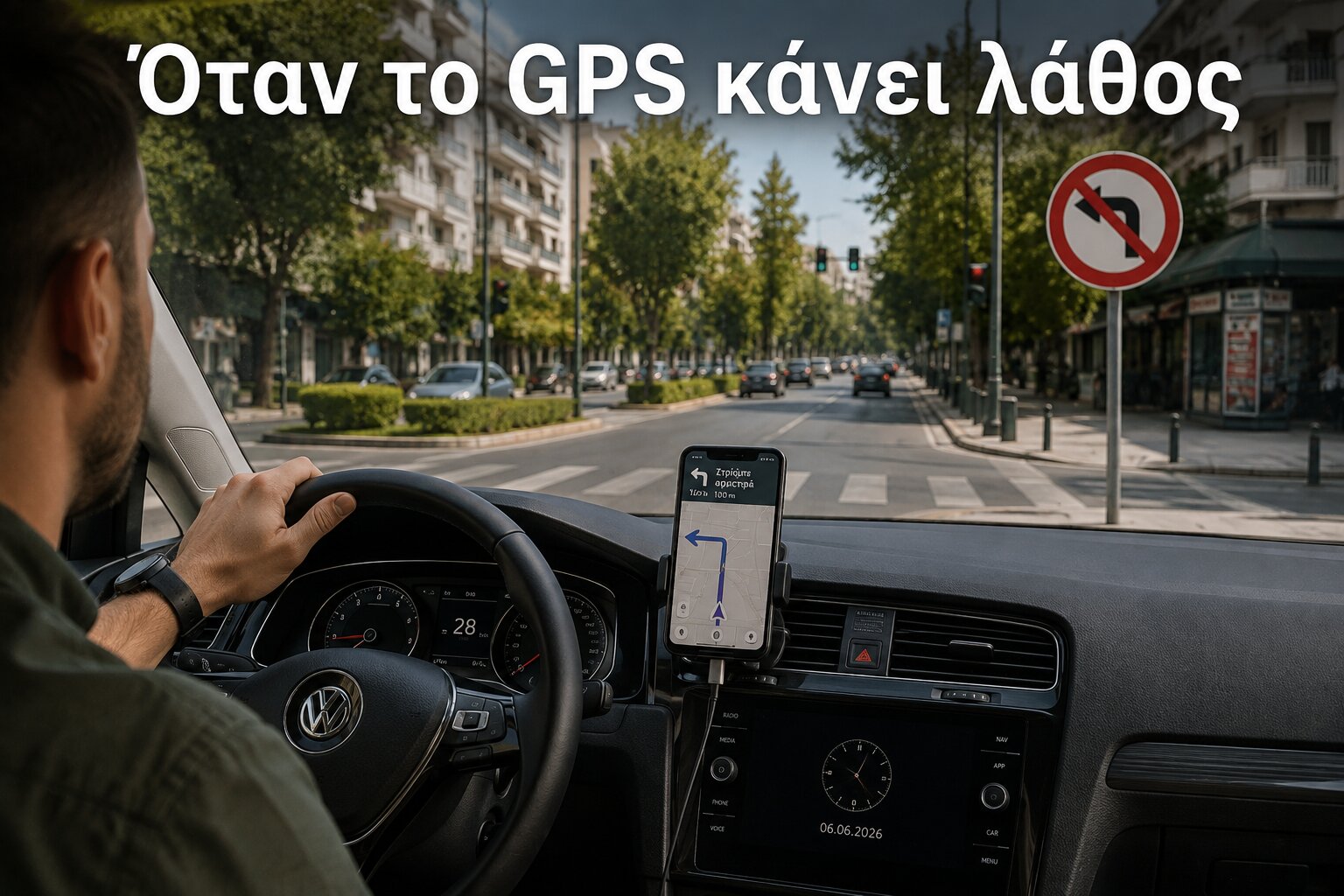
A route on a screen cannot replace what is actually happening on the road in front of you. Traffic signs, signals, road markings, temporary restrictions and instructions from police always matter more than the next turn shown by an app.
That distinction becomes especially important when driving somewhere unfamiliar.
The Road Always Comes Before the Screen
Navigation apps are extremely useful, but even their own official guidance recognises their limitations.
Waze states that actual conditions may differ from its maps, traffic information and directions. Its current Terms of Use go even further: if information presented on the road — such as traffic lights, traffic signs or instructions from police — conflicts with the app, drivers must not rely on the app instead.
Google provides a similar warning with information such as speed limits. When a speed limit appears in Google Maps, Google says that it is for informational purposes and that drivers should confirm the limit using the actual signs on the road.
The principle is simple.
Look outside first. Look at the navigation second.
Missed the Turn? Keep Driving
One of the most dangerous moments created by navigation happens when a driver realises too late that the next turn is only a few metres away.
The instinct may be to brake suddenly, change lanes quickly or force the manoeuvre before the junction disappears.
Do not.
Missing a turn is rarely a serious problem. Modern navigation systems will normally calculate another route within seconds. A missed exit may cost a few extra minutes; a sudden manoeuvre can create a much more serious situation.
If you are in the wrong lane, continue safely. If you pass the street, let the app recalculate. If you need to turn around, wait until you reach a place where it can be done safely and legally.
Navigation should adapt to your driving — your driving should not become dangerous simply to satisfy the route.
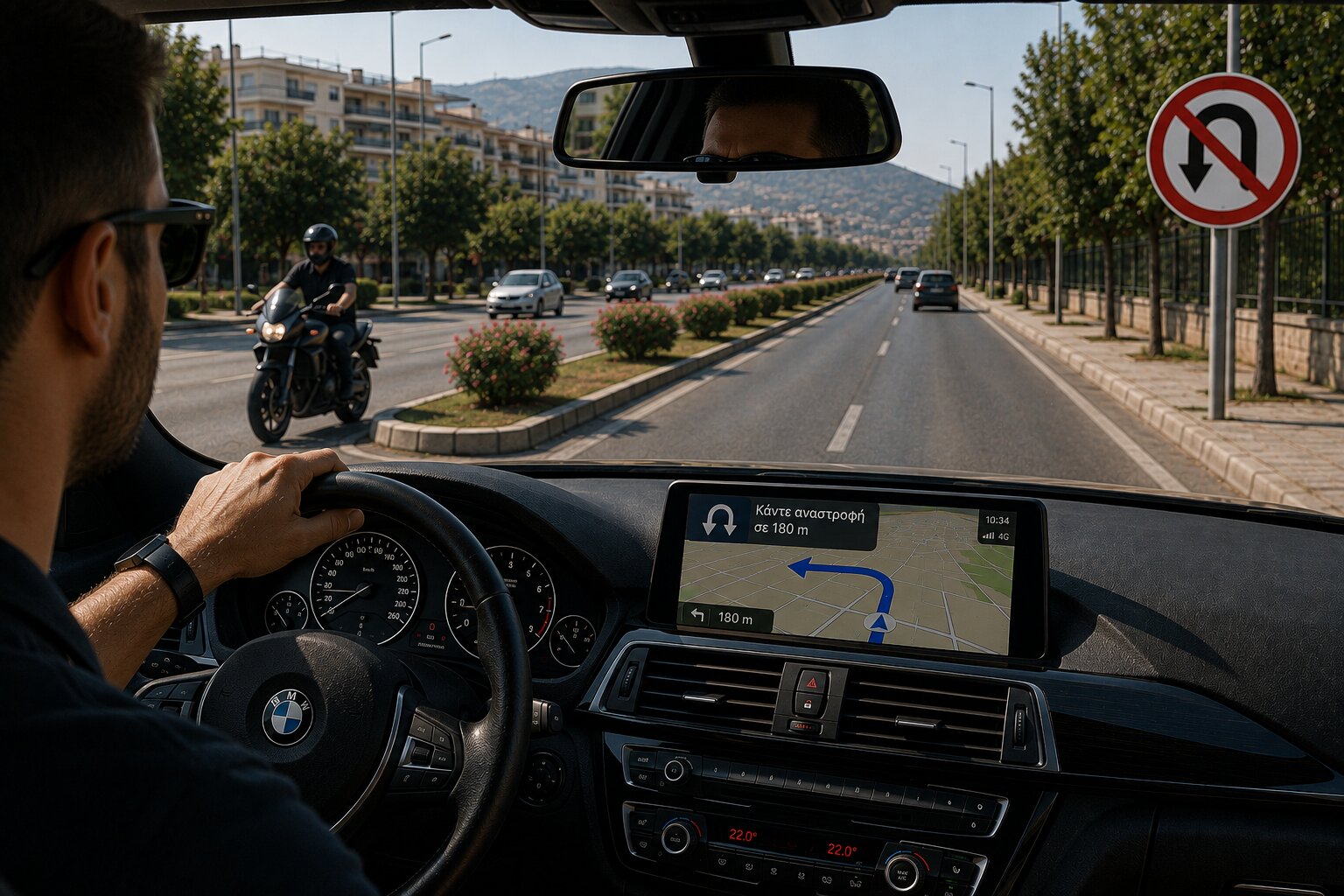
Be Particularly Careful With U-Turns
A navigation app may sometimes calculate a route that appears to require turning around.
Before doing anything, check the road itself.
Is a U-turn permitted? Is there enough visibility? Are there vehicles, motorcycles or bicycles approaching? Is there a central divider? Are road markings or signs preventing the manoeuvre?
If the situation is not completely clear, continue driving and find another route.
This is particularly important in busy urban areas, on multi-lane avenues and on roads where motorcycles can approach quickly or become difficult to see.
The safest route is not always the shortest route.
Greece Can Challenge Digital Navigation
Driving in Greece can present navigation systems with situations that are very different from a straightforward motorway journey.
In historic centres and older neighbourhoods, streets can be narrow and junctions unusually tight. On islands, roads may become much smaller as they approach villages, beaches or accommodation. In mountainous areas, a road that appears simple on the map may involve steep gradients, sharp bends or limited visibility.
Temporary roadworks, local restrictions and changing traffic arrangements can also mean that the physical road no longer matches what a driver expected from the screen.
This does not mean that navigation apps should be avoided. It means drivers should keep their judgement active.
If an app directs you towards a road that appears clearly unsuitable, restricted or unsafe for your vehicle, do not enter simply because the line on the screen says to continue.
“You Have Arrived” Does Not Mean “Stop Here”
Another common navigation mistake happens at the destination.
The app announces that you have arrived. The entrance appears to be beside you. The driver slows sharply or stops while trying to identify the building.
But the GPS destination is not necessarily a safe stopping position.
Continue until you can pull over legally and without obstructing traffic. If necessary, go around the block or park slightly farther away and walk the final distance.
This is especially important at hotels, restaurants, ports and popular tourist attractions, where arriving drivers may be concentrating on finding an entrance while surrounding traffic continues normally.
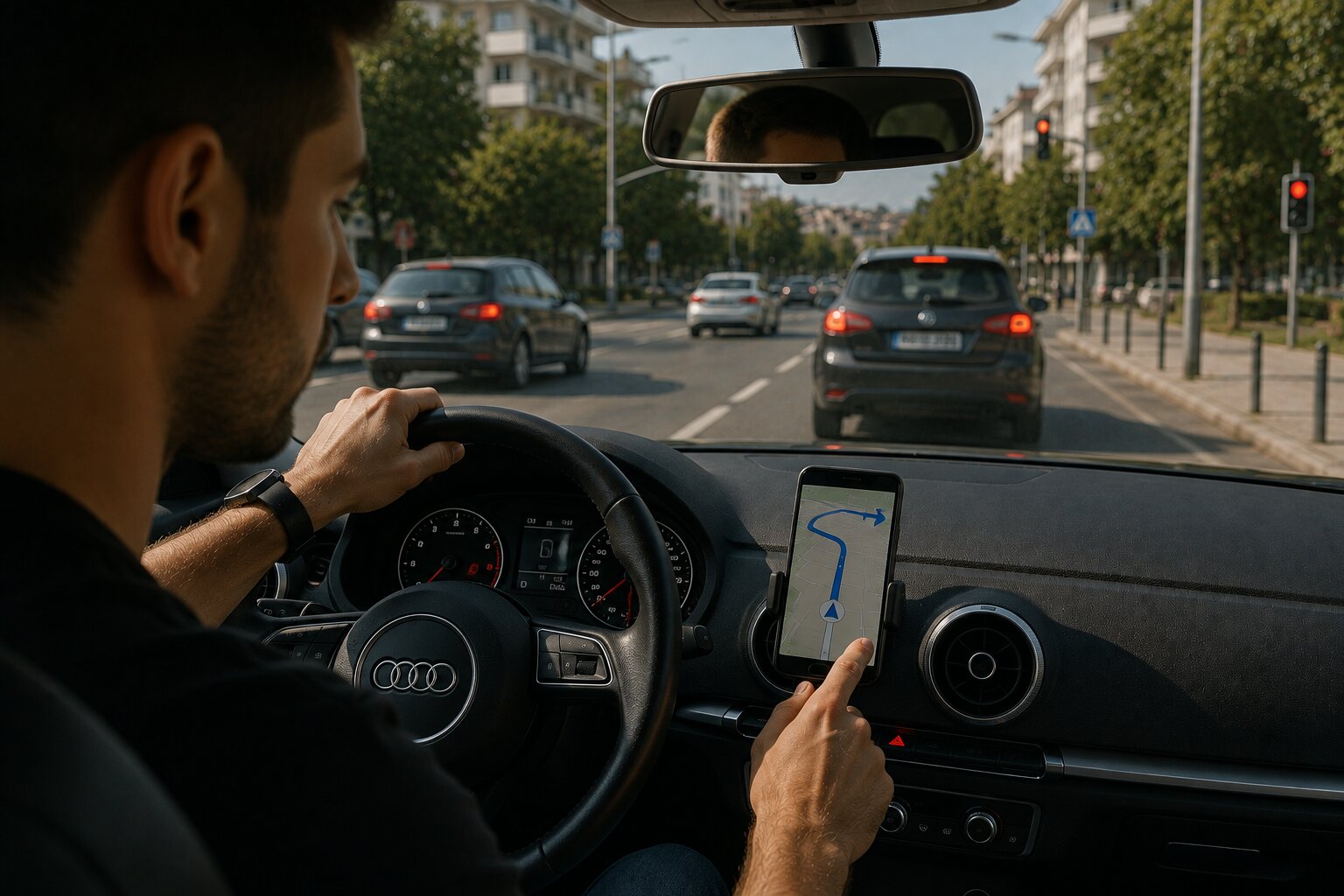
Reduce the Distraction Before You Start
Navigation can help drivers, but interacting with it can also become a distraction.
The European Commission identifies mobile phones and satellite-navigation systems as important potential sources of driver distraction. It distinguishes visual distraction, cognitive distraction and manual distraction — taking your eyes off the road, your mind away from driving or your hands away from vehicle control.
Good preparation can reduce all three.
Enter the destination before moving off. Check the first part of the route. Position the phone or navigation display where it can be seen without blocking your view. Use voice guidance where practical instead of repeatedly looking down at the screen.
Google Maps provides spoken information about turns, lanes and traffic conditions and can automatically suggest different routes when conditions change.
The technology works best when it allows you to spend less time looking at it.
Prepare for Weak Mobile Coverage
A reliable data connection should not be taken for granted everywhere.
Google Maps allows users to download areas for offline navigation in advance. When the complete driving route is inside the downloaded area, the map can continue guiding the driver even if the internet connection becomes slow or unavailable. Google notes, however, that offline driving does not provide live traffic information or alternative routes.
For a road trip, an island stay or a journey into mountainous Greece, downloading the destination area before departure is a sensible backup.
It is also worth keeping the phone charged, particularly on longer trips. Google itself recommends using a power adapter during journeys lasting more than 30 minutes when navigation is being used.
Rental-Car Drivers Should Take Extra Time
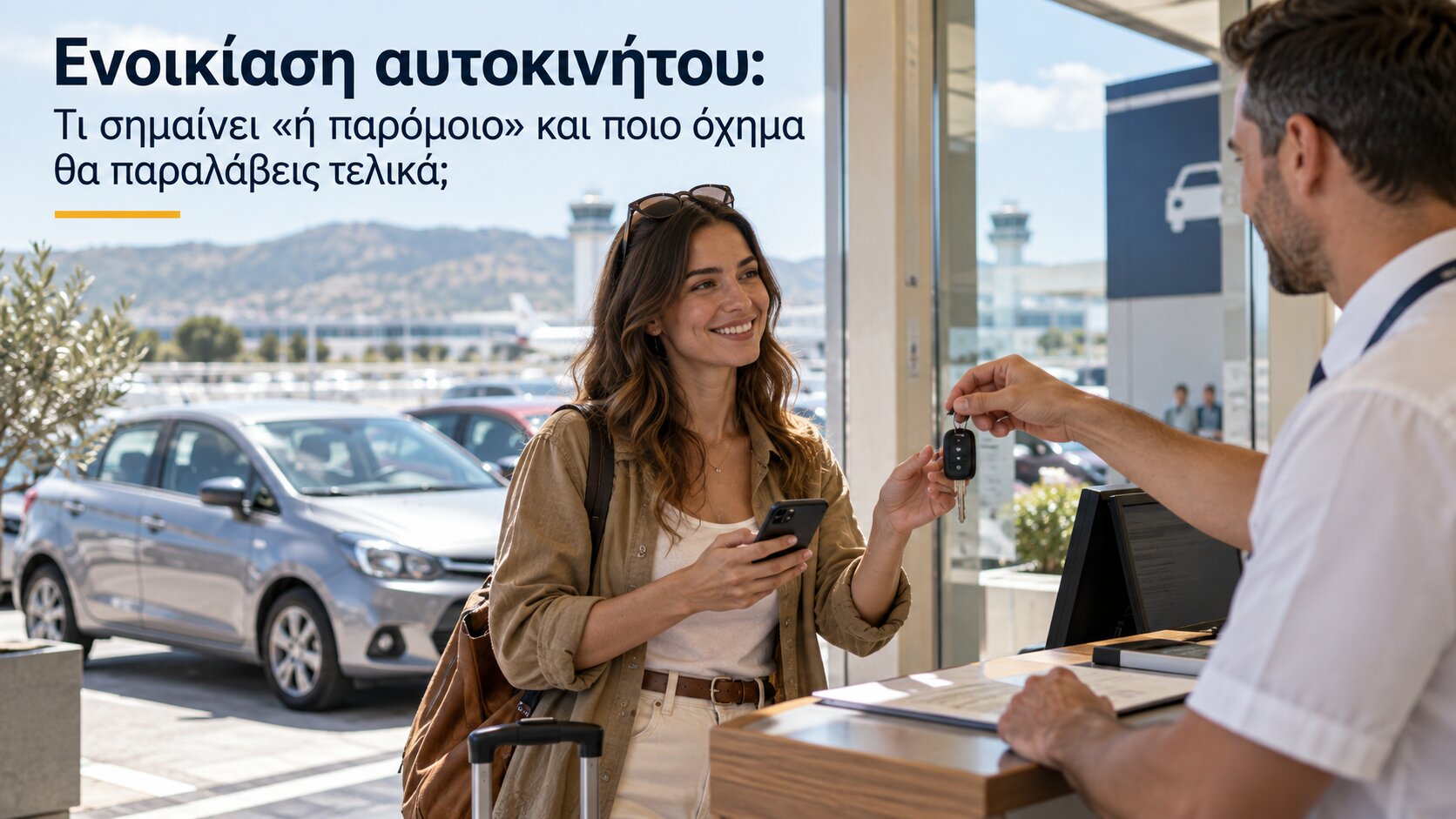
Visitors collecting a rental car often face several unfamiliar things at once: a different vehicle, an unfamiliar area and a navigation system telling them where to go.
Taking five minutes before departure can make the first kilometres much easier.
Adjust the mirrors and seat, understand the main vehicle controls, secure the phone or connect the vehicle’s navigation system, enter the destination and look at the general direction of the route before leaving the parking area.
Greece is now reinforcing this type of preparation through ODYSSEAS Drive Safe, an official road-safety initiative from the Ministry of Infrastructure and Transport.
The online briefing is designed especially for visitors and rental-vehicle users. It presents nine important Greek road-safety rules in approximately 90 seconds.
The Greek government announced in July 2026 that Drive Safe is available in seven languages and can be accessed through online rental bookings and QR codes at vehicle-rental locations. The participating rental organisations represent approximately 99% of the relevant market and more than 30,000 locations nationwide.
For anyone renting a car or scooter in Greece, it is a useful short briefing before setting off.
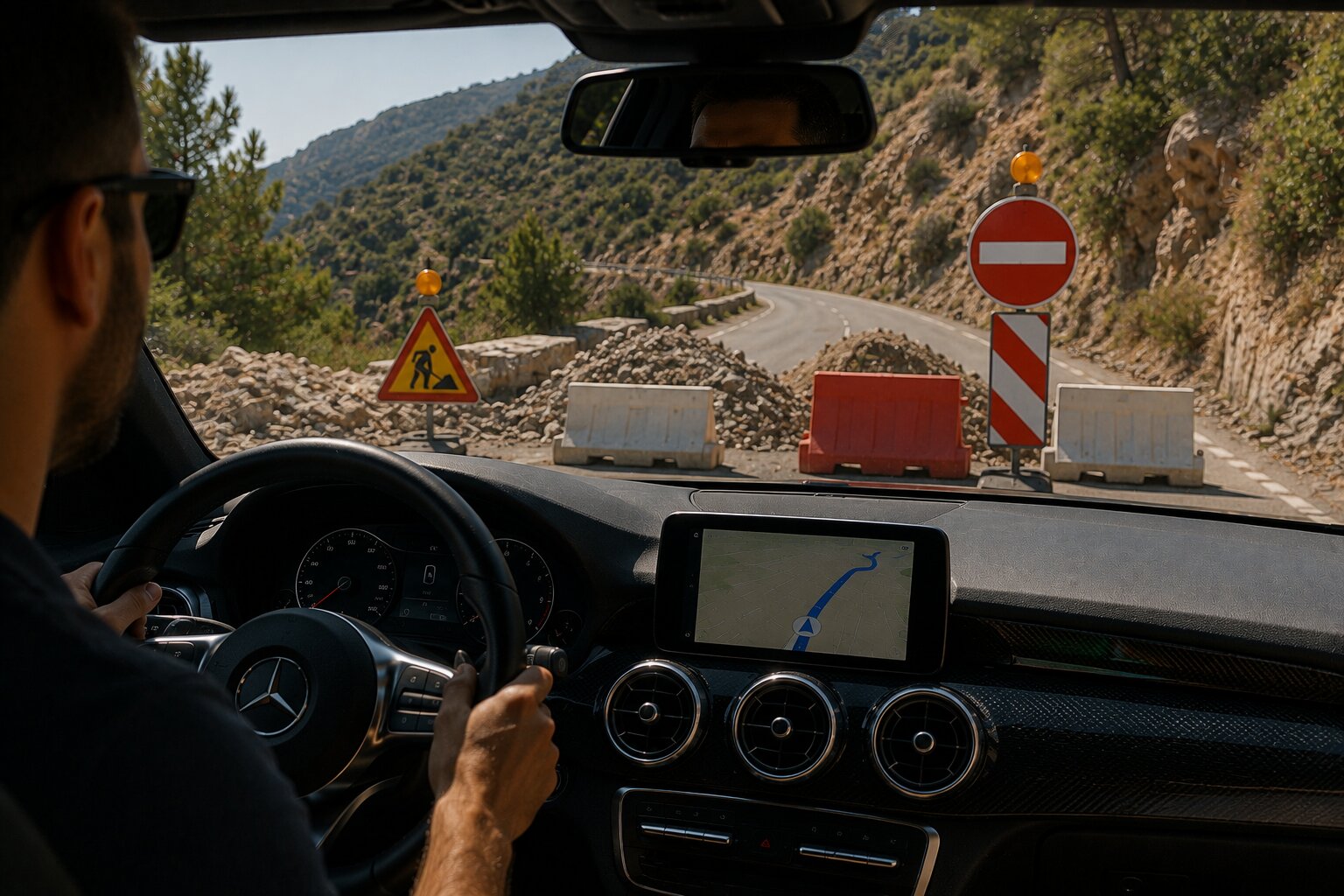
If GPS and the Road Disagree
Remember these rules:
- Follow traffic signs, signals, road markings and police instructions — not a conflicting navigation instruction.
- Never make a sudden turn or lane change because you are about to miss the route.
- If you miss a turn, continue safely and let the app recalculate.
- Never attempt a U-turn unless the manoeuvre is clearly permitted and safe.
- Do not stop suddenly when the app announces that you have arrived. Find a safe place first.
- Set the destination before driving and use voice navigation whenever practical.
- Download offline maps before travelling to areas where mobile coverage may be unreliable.
- If a road looks unsuitable or unsafe, trust what you can see and choose another route.
Technology Should Make Driving Easier — Not Override Judgement
Google Maps, Waze and modern vehicle navigation systems are valuable tools. They can save time, help drivers avoid congestion and make unfamiliar destinations much easier to reach.
But no navigation system can see every detail that a driver can see through the windscreen at that exact moment.
The safest approach is therefore not to distrust GPS, but to use it correctly.
Let the app suggest the route. Let it recalculate when necessary. Let it help you understand where you are going.
But let the road make the final decision.
Because if navigation says “turn now” and the road says “not safely”, there is only one correct choice:
keep driving.